
Direct password access, Redirects and improvements
Today's update introduces two new features, improvements and fixes.
Redirects
Have you ever wished you could set custom redirects to avoid 404 errors? Well, now you can! Within the workspace settings, you'll find a new section called "Redirects". Simply set the old path, the new path, and the status type, and you're good to go.
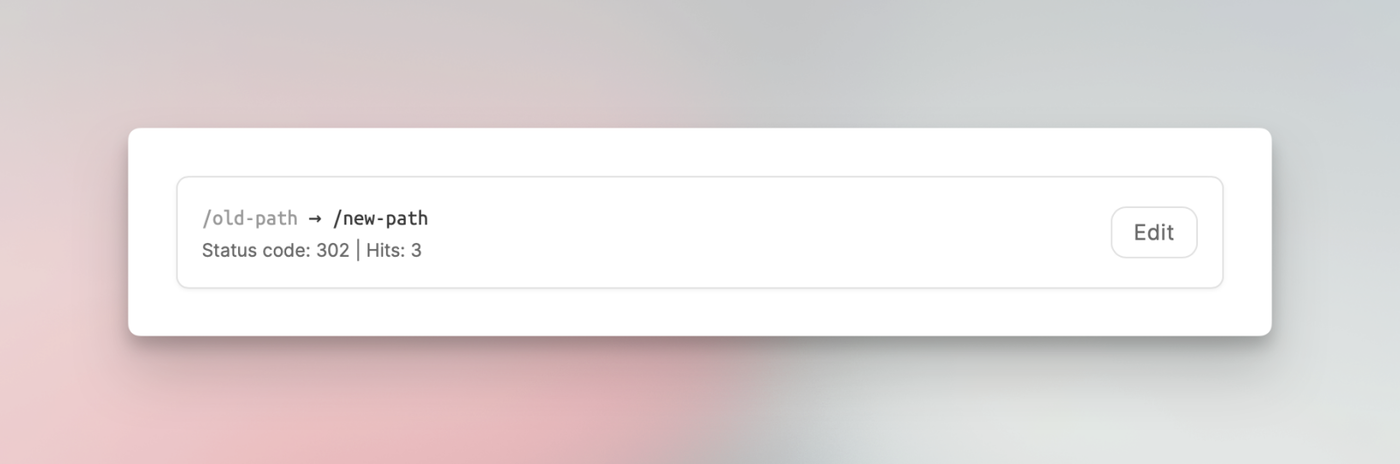
Please note: When testing, remember that your browser may cache the redirect. As a result, you might continue to be redirected even after removing it. This is due to your browser's caching behavior, not an issue with our system.
Direct password access
One thing that was requested a couple of times was a direct way to unlock a password-protected workspace by passing the password as a URL parameter.
That's now possible.
You can read more about this here:
https://help.eniston.io/settings/restricting-access
Improvements and fixes
We also fixed a handful of smaller bugs and made some minor improvements.
We also rebuilt the "Attachments" upload function found in the article settings. Some customers reported they were not able to upload PDF or DOC files. That was due to a browser limitation and how we implemented the previous drag-and-drop upload feature.
Packed roadmap for 2026
This is the last update for this year. Our roadmap is quite packed for the next year and features things like API POST endpoints to create articles and update settings via the API, an archive feature for articles, multi-language content, guest accounts, draft previews and much, much more.
Be sure to stick around. Enjoy the holidays and stay healthy.