eniston Changelog

Here we keep track of (almost) all changes and additions to our platform. Subscribe to never miss an update.

Subscribe to updates
© 2026 eniston Changelog

Feature

Mar 18, 2026

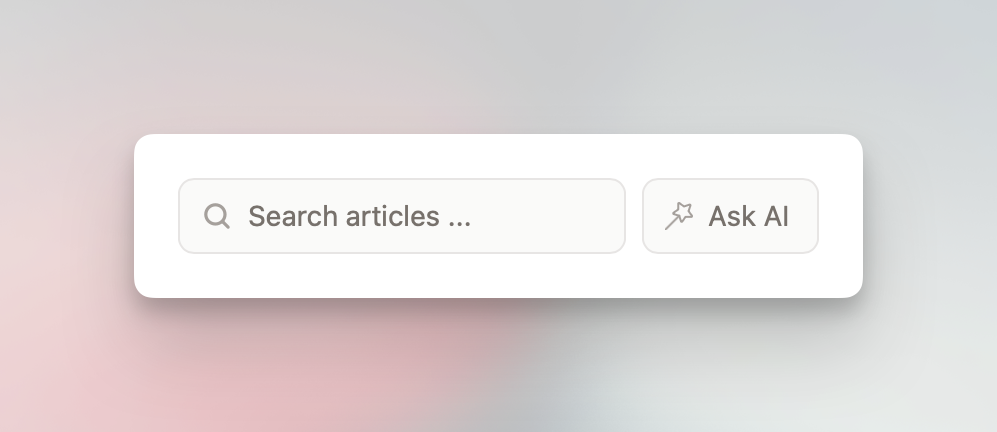
Today, we released a new feature that allows admins to enable "Ask AI" for their knowledge bases. This is part of the "Enhanced" add-on, which was previously called "Enhanced Editor". If you're already subscribed to the add-on, head over to the "Widget + Ask AI" section to enable the feature.

If you're not subscribed yet, check out the "Add-ons" section and give it a try. It's just EUR 6 per month (or EUR 60 per year) and can be canceled at any time. The add-on also includes AI features and additional formatting options for the editor.

With "Ask AI" enabled, visitors can ask questions about all published articles that are part of a workspace and receive concise and helpful responses. If the AI is unable to answer a question due to missing content, it will respond accordingly. Within the "Ask AI" section in the dashboard, you will see all questions and the corresponding AI responses from the past 90 days. Older records will be deleted.

The AI is not trained on your data, and this feature is disabled by default.

Mar 12, 2026

Today, we're happy to introduce a new way to structure content: sections.

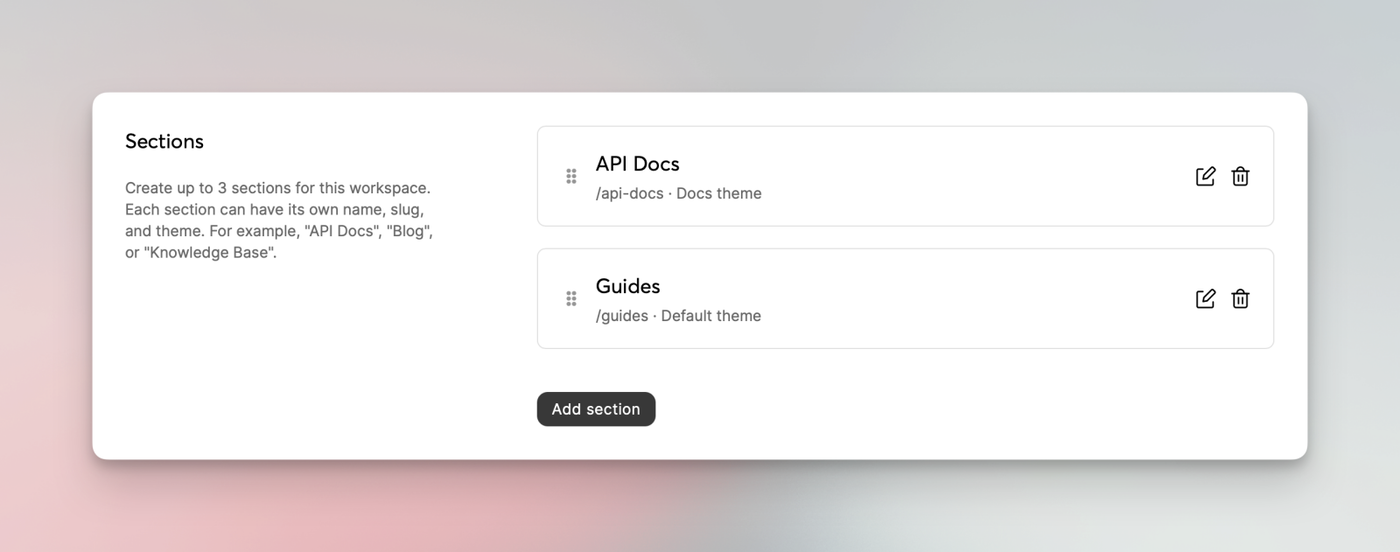
With sections, you can separate your categories by topic or, eh... section. For example, you could create a section called "Docs" to have your regular documentation articles there. You might create an additional section titled "Guides" to put all tutorial-like articles, and "API Docs" for API-specific categories and articles.

Sections can be created in the workspace settings. There's currently a limit of up to 3 sections.

Each section can have a dedicated theme applied. A "Blog" theme will be available soon, giving you 3 themes to choose from.

Consider this a v0.9 as we're still fine-tuning a few minor things. We'd appreciate any feedback and suggestions regarding this new feature.

Feb 02, 2026

Today's update includes maintenance and security updates and also a feature many have asked for...

Preview drafts

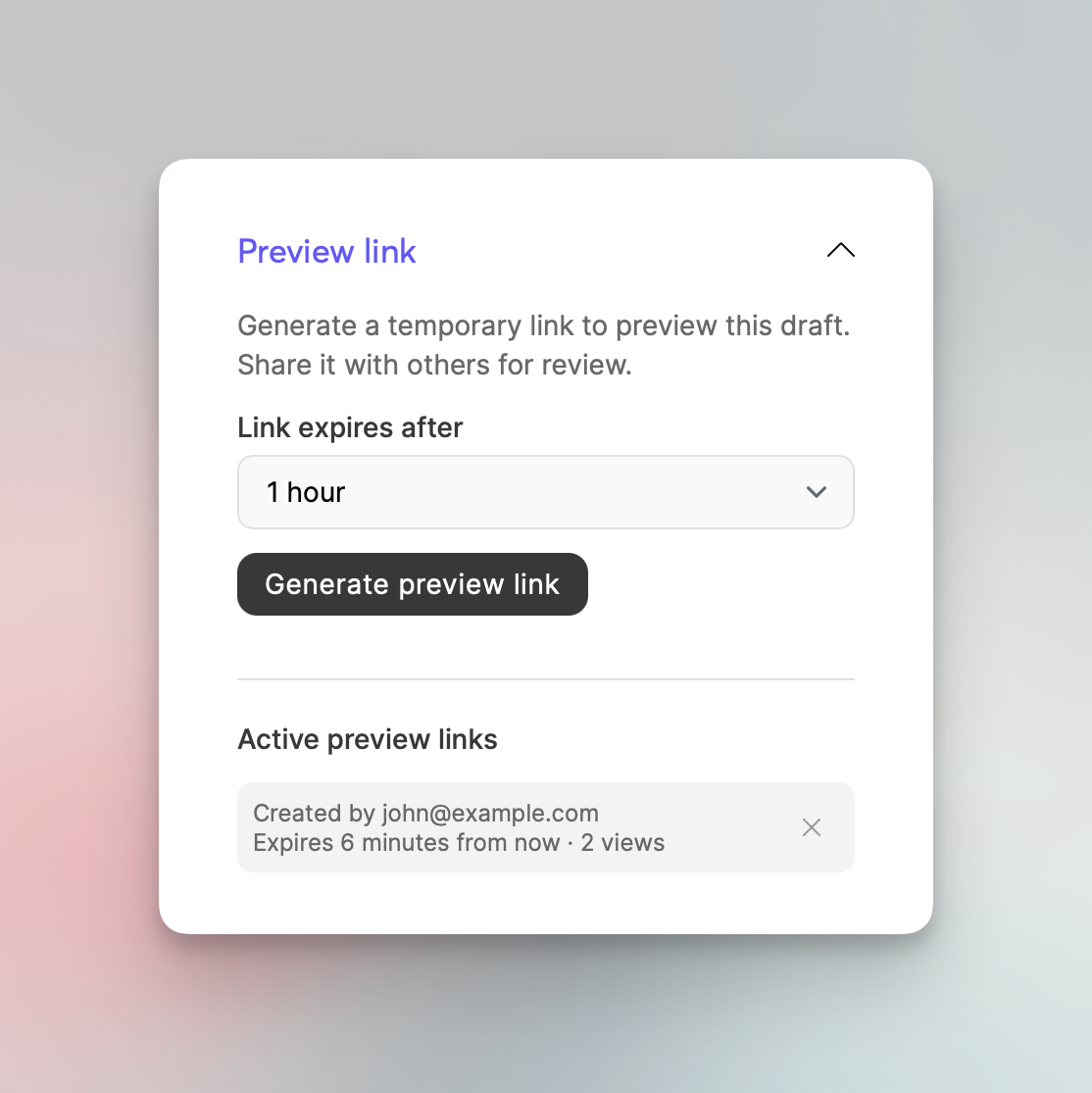
It's now possible to preview drafts and share them with anyone via a secure link. While editing a draft, check the article settings and find the "Preview link" section (it's the last section).

When creating a preview link, you can choose between multiple expiration times, the lowest being 10 minutes and the highest being 48 hours. You can manually expire links at any time.